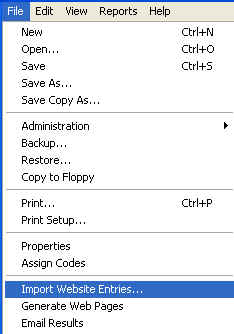
Once you have the 'tourn.txt' file saved on disk somewhere, you are ready to use the File menu option labeled Import Website Entries to import the entries into the software.
When the dialog opens, you should see something similar to the following:
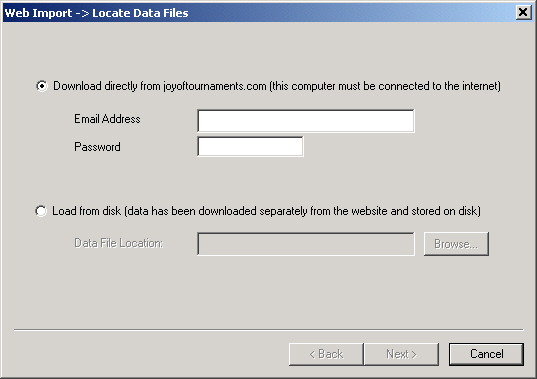
You will want to select the second radio button on this dialog labeled Load from disk.
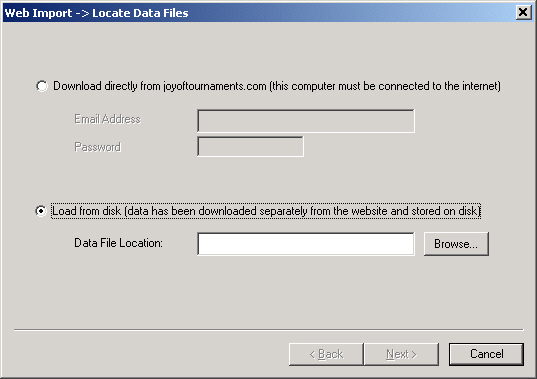
Once you select the radio button, the field labeled Data File Location will be activated and you may enter the location of the file you saved from the website ('tourn.txt'). If you want, you may press the button labeled Browse to locate the file.
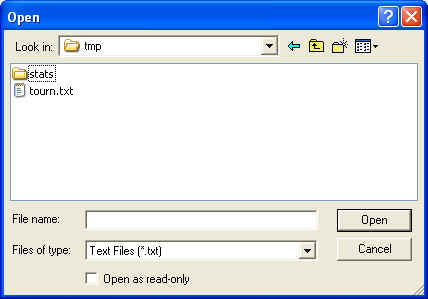
After specifying the file's location, the Next > button will allow you to move on to the next step in the process. If you specify an invalid file or the location you enter is not correct, a message will appear indicating such and you will need to re-enter the appropriate information.
Next step: Begin the mapping process